
Last time you were here, we told you about our big, beautiful new feature, AI Agents. But we’re not stopping there, and we’re continuing to deliver new ones. Today, we’re going to tell you about the new ability to launch popups via the JavaScript API, new launch conditions for Assignment Rules, and quality-of-life improvements for Inbox.
🍿 Launch popups via JavaScript API
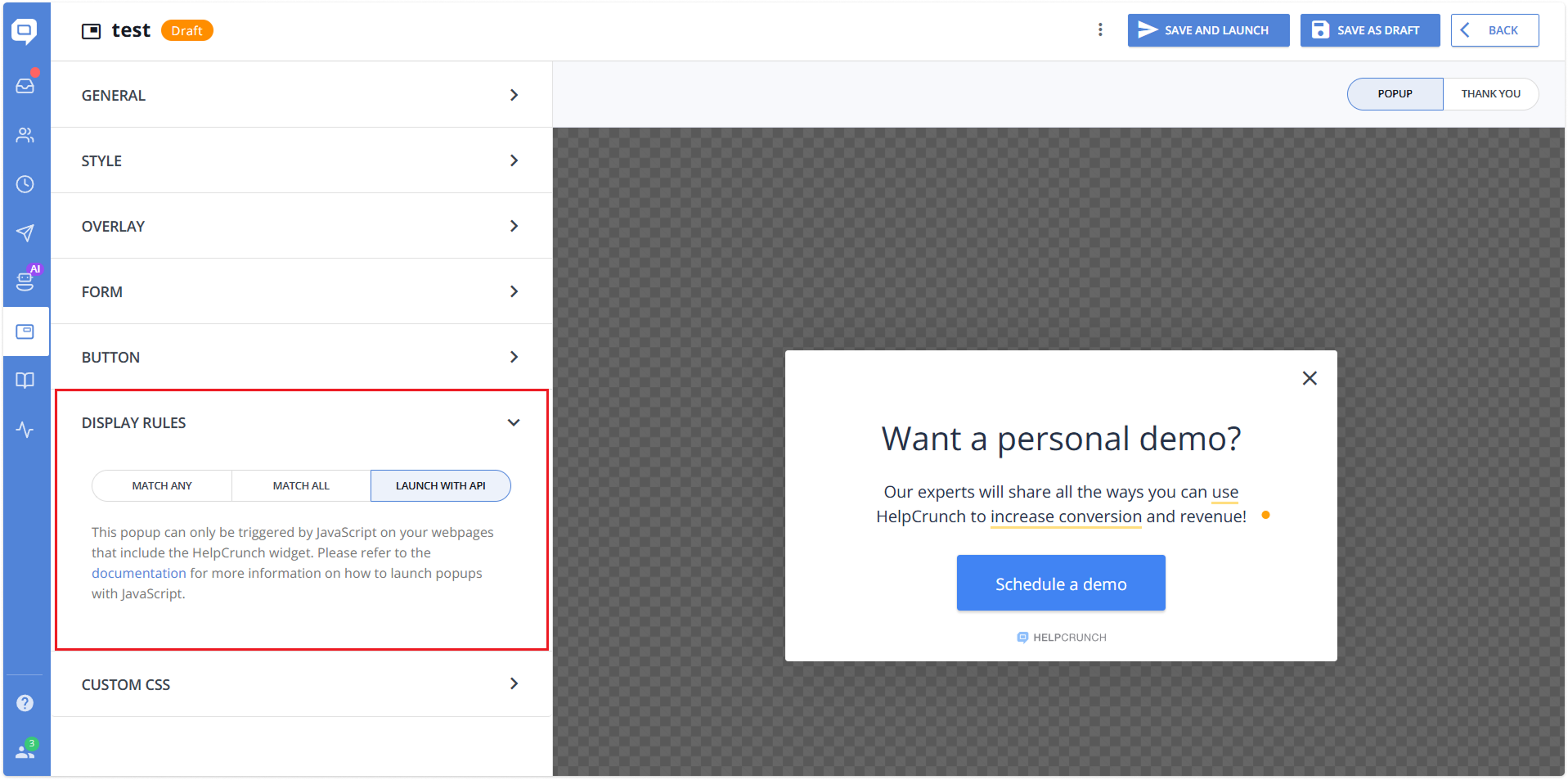
We’ve added the ability to trigger popups via the JavaScript API. When you choose this option in your Display Rules settings, the popup will be triggered only programmatically using the JavaScript on your webpage with the HelpCrunch widget.
This means that you can now communicate with your customers through popups in any way you want, as our rules do not limit you. That is, you now have full control over the logic of launching popups. Find more details on settings in this Knowledge Base article.
🟢 Launch conditions for Assignment Rules
Assignment Rules now include a Launch when setting. More precisely, a drop-down window has now appeared under the corresponding line in the settings with the following conditions:
- Team is online
- Team is offline
- Team is online or offline (always)
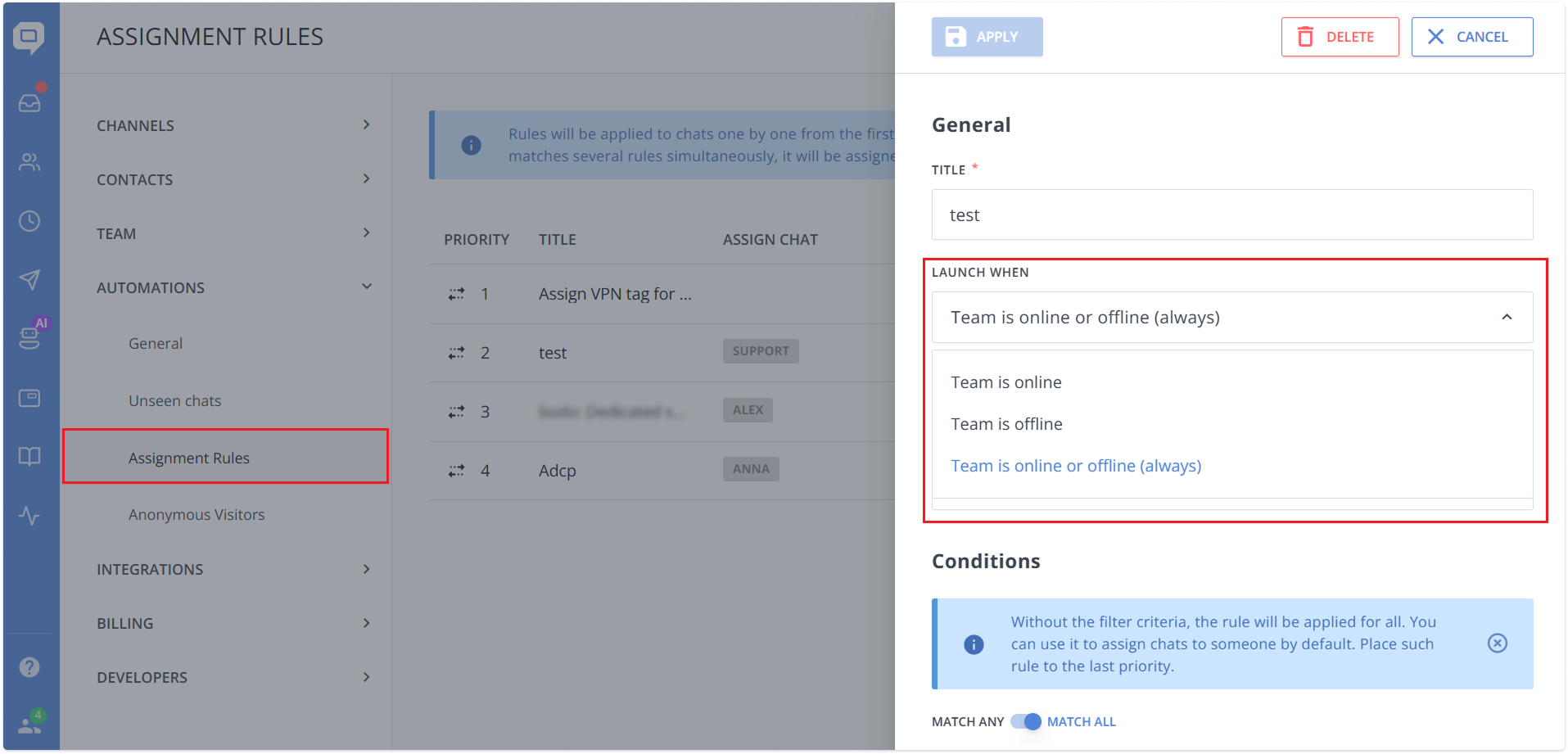
This option already existed in chatbots, but some assignment scenarios can’t reliably be handled there. With this update, the availability check is applied first, before triggers and conditions, helping prevent unassigned chats when users drop off mid-flow.
📬 Inbox quality-of-life updates
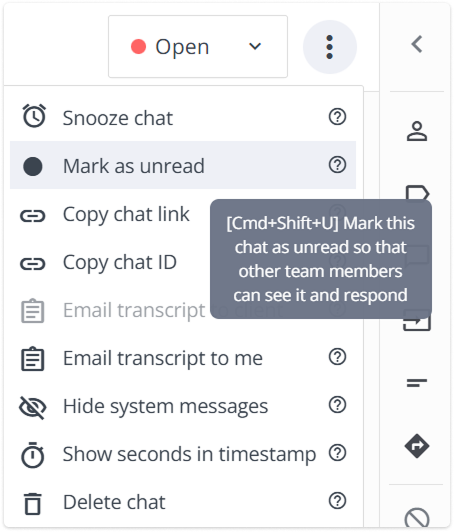
⌨️ Hotkey to mark chats as read/unread. You can now toggle a chat’s read/unread status using a keyboard shortcut: Cmd + Shift + U on macOS and Ctrl + Shift + U on Windows.
The hotkey works exactly like the manual action and applies to the chat you have open at the moment. It’s a quick way to flag conversations so teammates can notice and respond faster.
We also added a clearer tooltip hint, starting with the shortcut itself, for better discoverability.
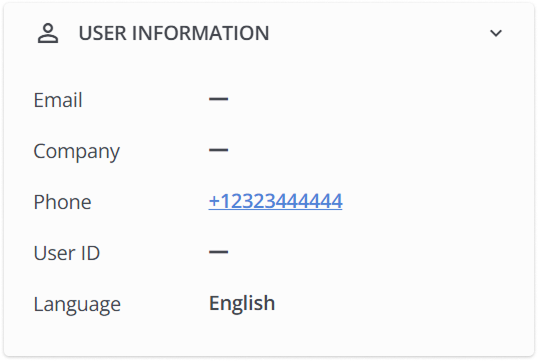
📞 Clickable phone numbers in user profiles. They’re now wrapped in a tel: link, so you can start a call with a single click. This works everywhere user profiles are shown – Inbox, Contacts, Auto/Manual Messages.
Key notes:
- The phone number text stays unchanged and copies as plain text, not a link.
- Single click starts the call, double click opens editing.
- Extra symbols like spaces or dashes are removed in the link, keeping only + and digits.
We continue to improve our service, delivering both major new tools and a large number of smaller improvements. Try them all for yourself!
Read Also
👥 Individual team member display settings per widget
Managing several brands or products? Choose which team members appear in each chat widget and hide offline ones. See what changed and how to set it up.
💌 Meet new assignment rules based on email fields (to/from/subject)
Time to bring order to your email workflow. Now, you can create assignment rules to redirect or tag messages based on the recipient, sender, or subject.
📖 Accordions, snippet callouts, and auto-logout for Knowledge base
Two new formatting tools in the Knowledge base editor, plus auto-logout for password-protected knowledge bases, smoother widget access, and minor fixes for iOS SDK.
