
It seems it was just yesterday when we shared that you can now set the first chat assignment by round-robin. Today, we’ve got even bigger news: our AI Agents just got a whole lot smarter! Our team made clever tweaks to take their responses up a level (or several levels, to be honest). Let’s explore what they can do now!
📑 Multiple data sources for more precise answers
Now, HelpCrunch’s AI Agents do not rely on a single source of truth (because it often doesn’t exist 😅) but use up to 5 relevant data sources to generate the most accurate response. Just a reminder: current sources include your knowledge base articles and custom answers written by you. A little spoiler: we’re working on adding more sources, with web content coming first.
Plus, we carefully trained the AI Agents to stick to the topic more: they are now better at choosing the most relevant sources and providing information that directly correlates with the request, with fewer secondary details.
💬 More human-like responses aligned with your settings and instructions
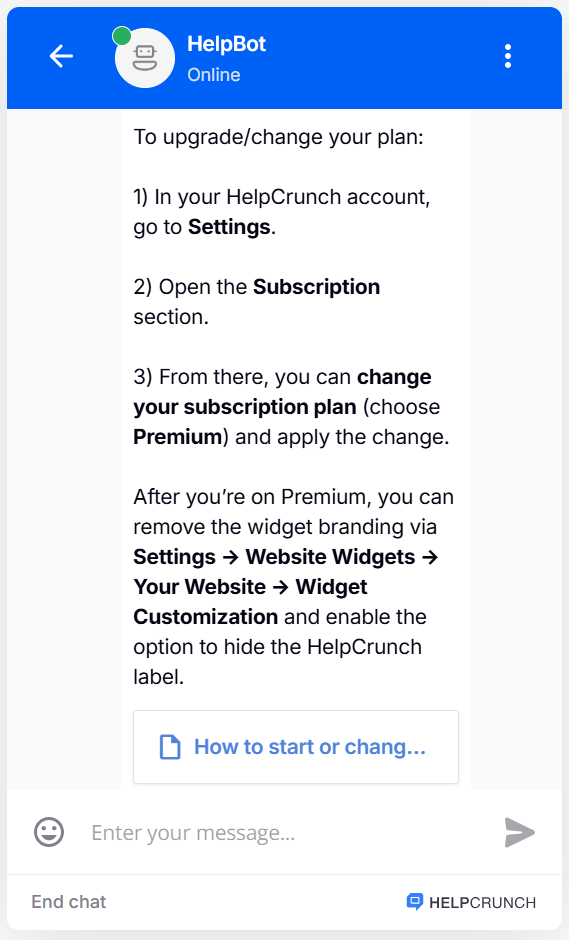
We put some work into training our AI Agents to remember at all times that they’re talking to humans, so they avoid plain technical terms. Instead, they are now using simpler, more understandable language, just like a support agent would.
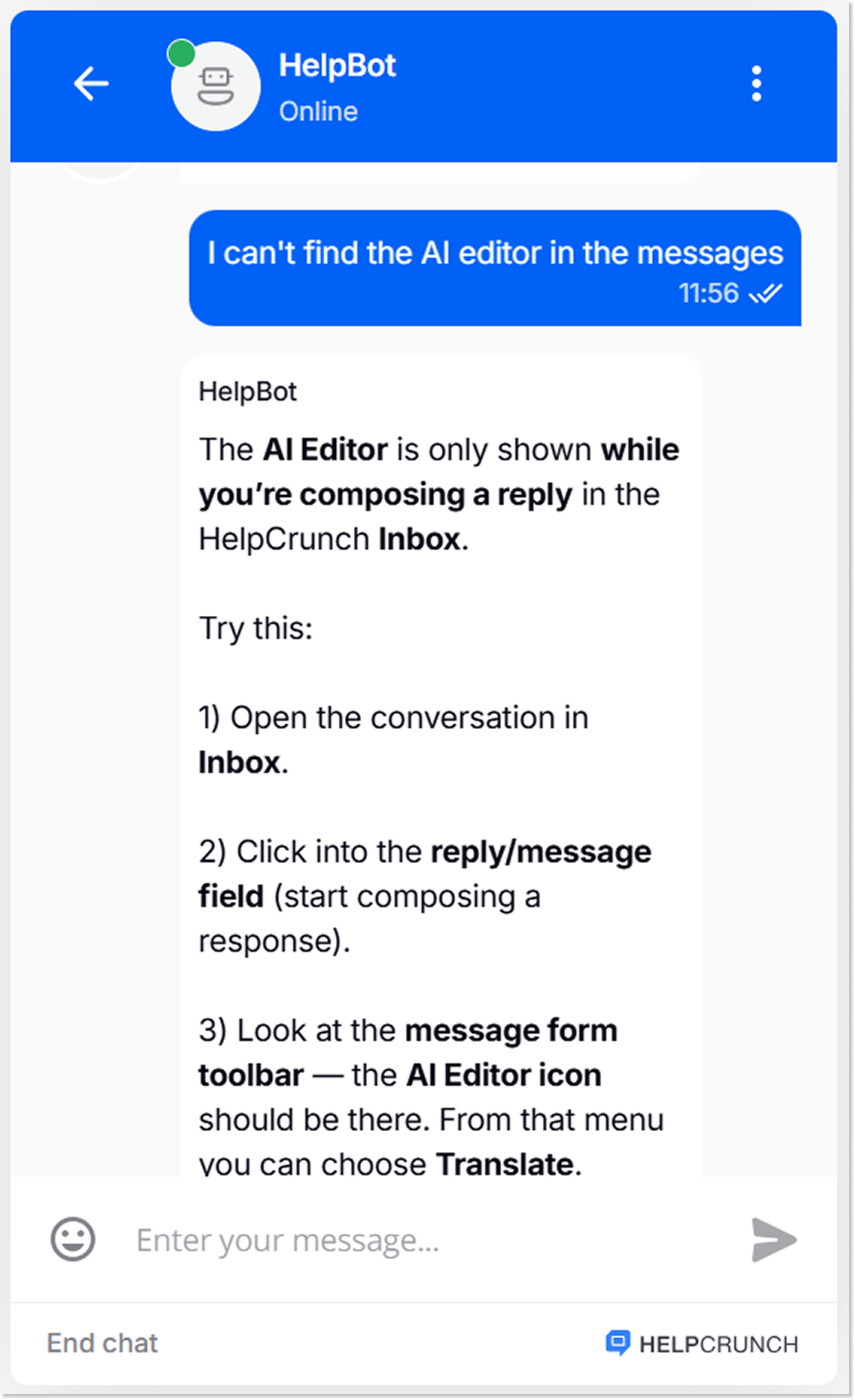
Additionally, AI Agents are now better at following your instructions, such as the language of answers, tone of voice, business rules, or priorities. You can set these in the Advanced section of the AI Agent settings.
⚙️ Better conversation flow and stability
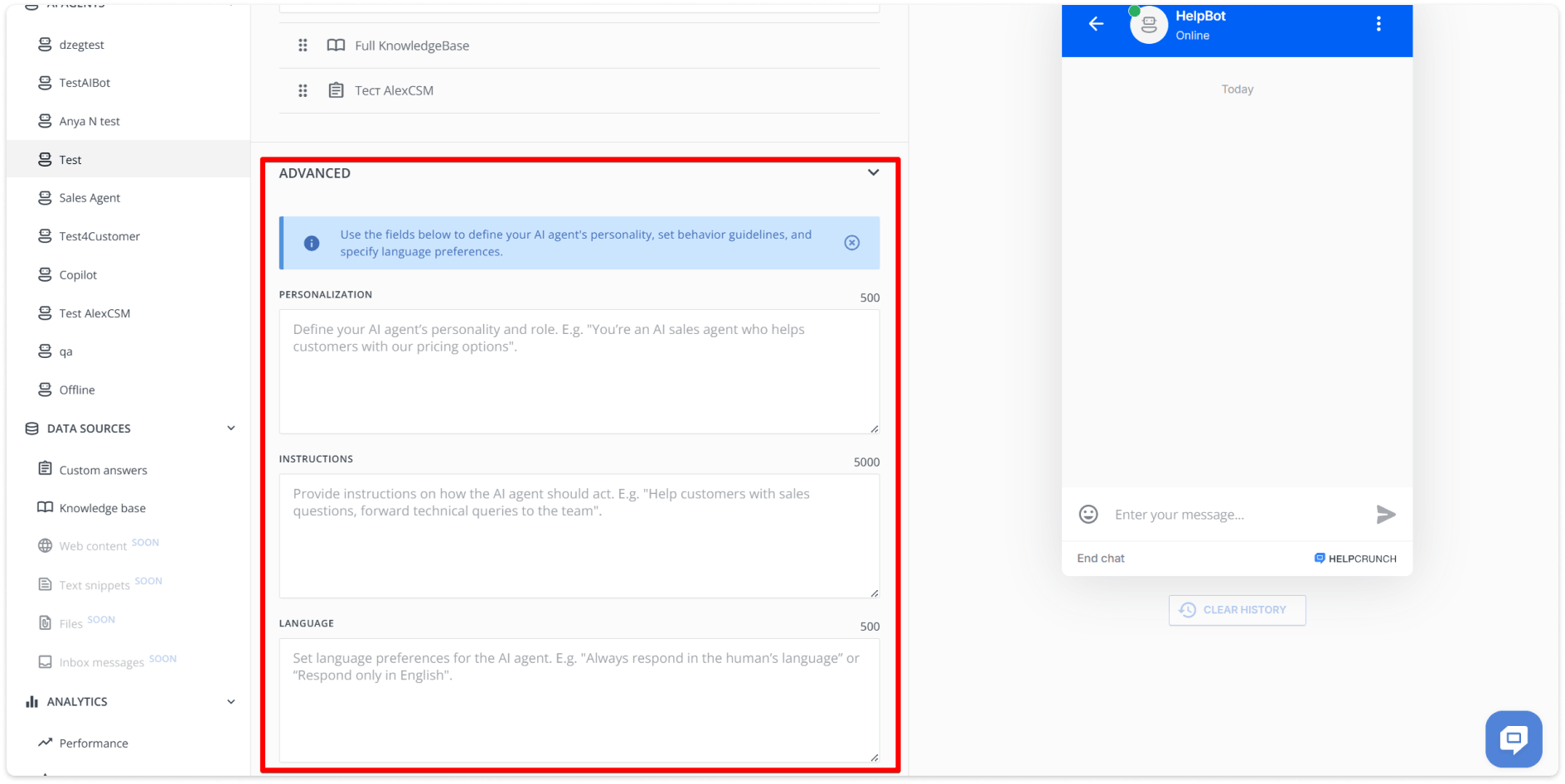
We’ve done some serious work to improve how our AI Agents handle situations when they don’t have enough information to give a helpful answer. Instead of repeating itself and going in circles, the AI Agent will ask more precise, smarter follow-up questions to get the clarity it needs. No going over the same point.
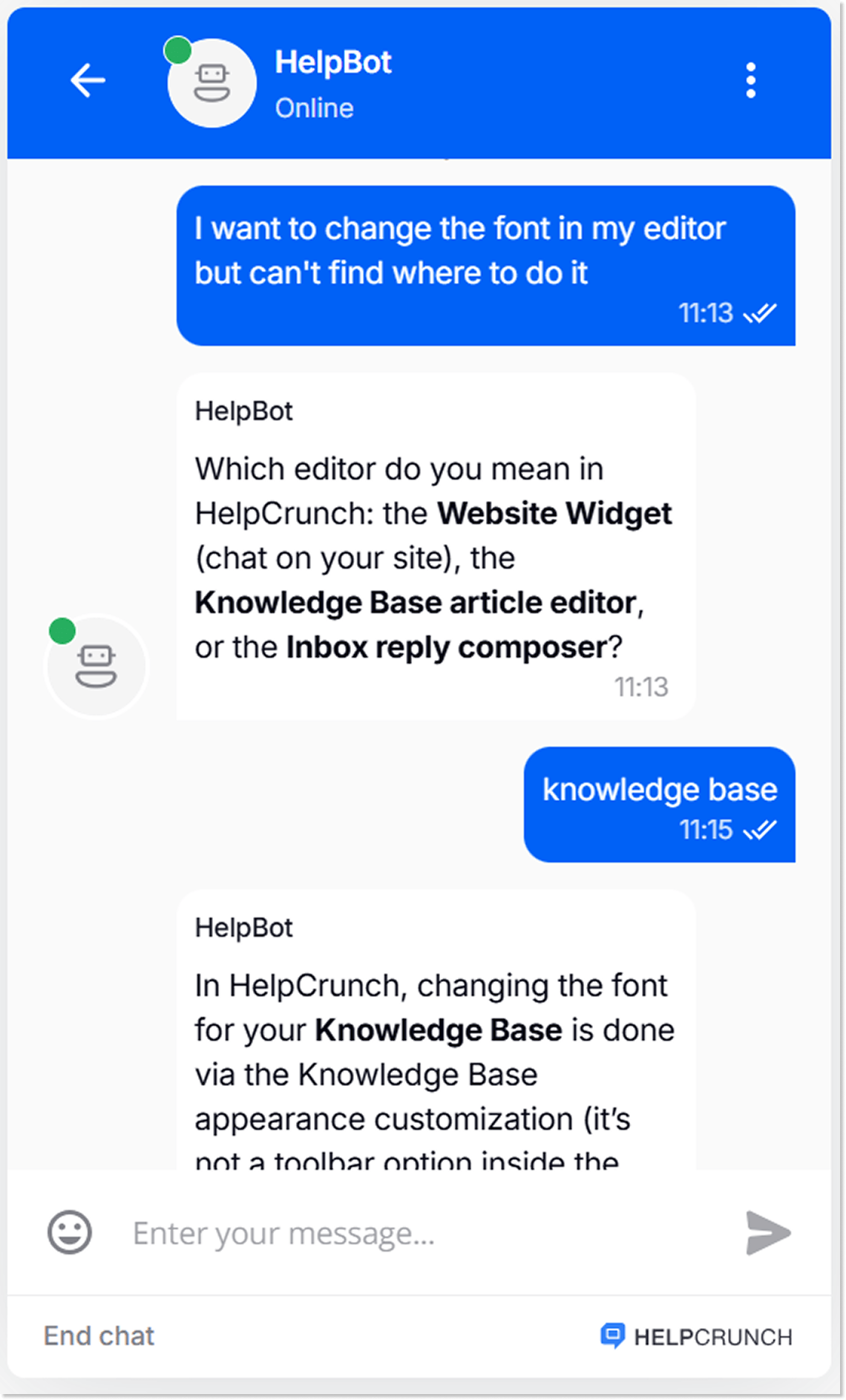
Overall, now, AI Agents provide more consistent answers even in complex cases.
👋 Ending the conversation properly
Saying goodbye to the AI Agent is now easier, too. When the customer gets their answer and is ready to say “That’s enough chatting,” the AI Agent can more precisely detect that the conversation is coming to an end and suggest closing the request.
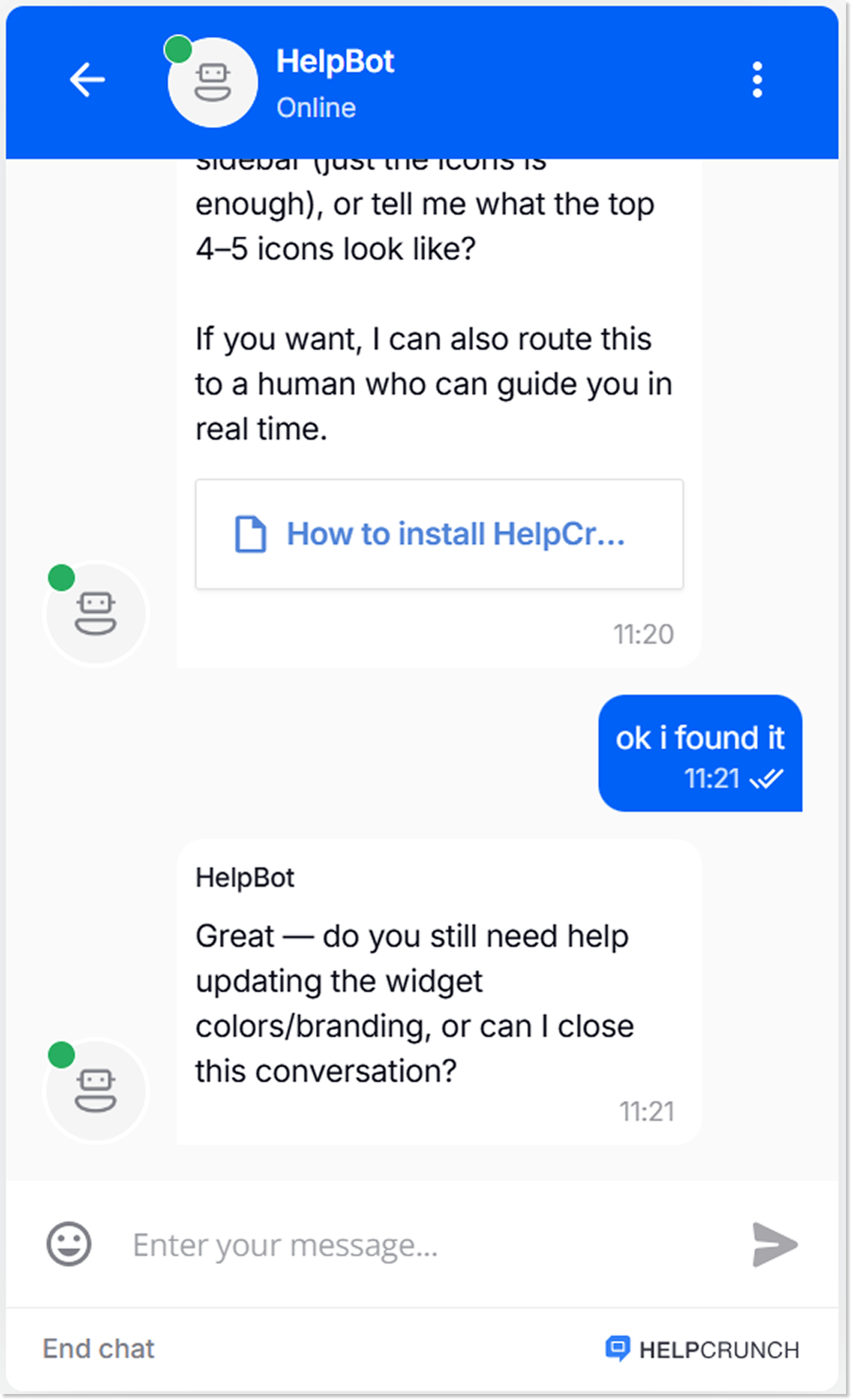
We also improved the handoff to human agents, so customers now get connected to a human agent more consistently when they ask for one.
And, as a cherry on top, we refined the logic behind the conversation-ending buttons (Offer more help / Case resolved).
☝️AI Agents model upgrade
We upgraded our AI models (GPT-4 → GPT-5). This noticeably improved the quality and accuracy of responses, though in some conversations, replies may take slightly longer than before.
Additionally, we made a number of under-the-hood stability improvements and bug fixes.
📊 Bonus: AI Agents’ performance metrics export
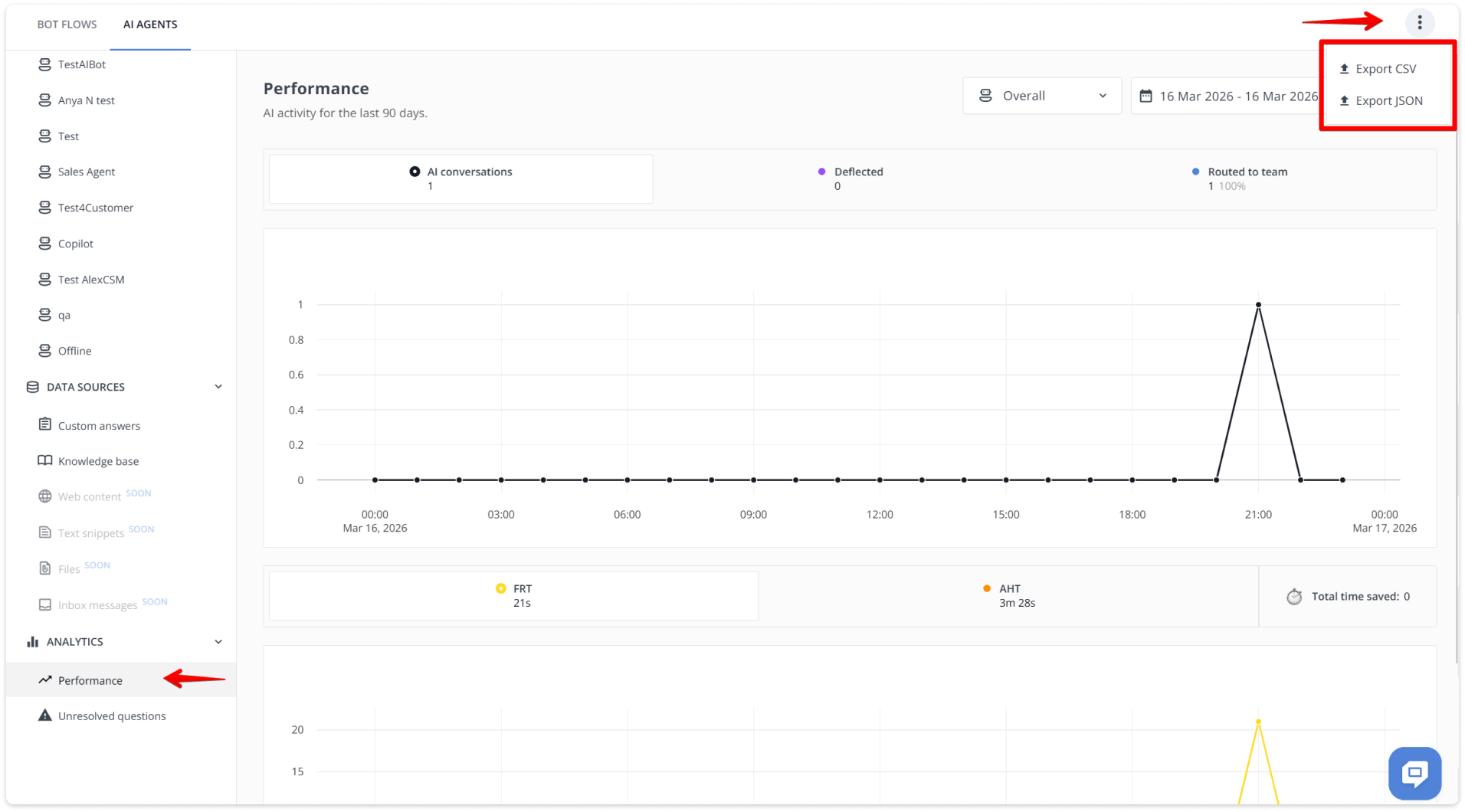
Sometimes, you need to share the AI Agents’ performance metrics with your team, stakeholders, or even with another AI tool (or to brag about how effective AI Agents are for your customer service 😉). That’s why we added an export feature, so you can download the data in two different formats for sharing, reporting, or analyzing.
- CSV – a go-to format that works with most tools, like Excel, Google Sheets, etc.
- JSON – a native format for AI tools, scripts, or business intelligence (BI) systems. JSON preserves complex data structures, making it perfect for feeding AI Agent performance stats to other AI tools or integrating them into your own dashboard without extra parsing.
You can find the export options in the top right corner of your AI Agents Performance page.
And that’s it for today. After all, this is no small update! It’s high time to give the refreshed AI Agents a try, especially if you haven’t experienced the power of AI for customer service yet!
Read Also
🧭 Control first chat assignment, new Popups display rule and more
New routing control for first chat assignment, popup timing rules, and better KB paragraph formatting for readability.
🍁 Launch popups via JavaScript API, clickable phone number and more
Launch popups via JavaScript API, use hotkeys to mark chats read/unread, click to call users from their profiles, and smarter Assignment Rules.
🤖 Introducing HelpCrunch AI Agents: Multichannel and fully under your control
Meet HelpCrunch AI Agents! Handle up to 80% of customer requests automatically and scale your support while reducing costs.
